Printers that work
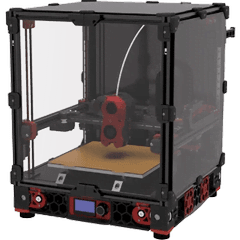
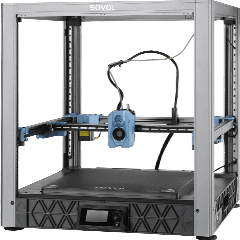
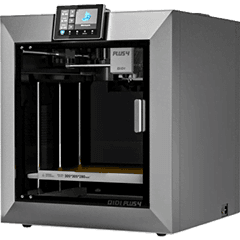
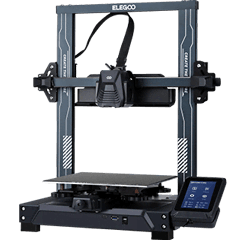
Any printer running Klipper with Moonraker: Voron 2.4, Trident and 0.1, Sovol SV07 and SV08, QIDI Q1 Pro, X-Plus 4 and X-Max 3, Elegoo Neptune 4, 4 Pro and 4 Max, and custom builds. Creality K1, K1C, K1 Max and K2 Plus expose Moonraker after you enable root access (for example with the Creality Helper Script).
What Farmit does with Moonraker
Macros, movement, fans and the webcam stay in Mainsail or Fluidd, where you configured them.
- Reads state, progress, layers, temperatures and the current file every few seconds.
- Uploads the G-code and starts it in one call; refuses a printer that is already busy.
- Pauses, resumes and stops prints, with every command logged.
- Recognises the printer model from the file your slicer exports.
Setup in two commands
Install the Farmit gateway on a Raspberry Pi or PC in the same network, then add each printer by address. If Moonraker trusts your network you do not need an API key.
$ farmit-gateway printer add --type moonraker --url http://192.168.1.70:7125 --name Voron-1Questions
Do I need to change my Klipper config?
No. Farmit uses Moonraker's standard API. If Moonraker has authorization enabled, create an API key for Farmit.
Can Klipper and Bambu Lab printers share a queue?
Yes. Each product keeps a G-code per printer model and Farmit sends each plate only to printers it was sliced for.