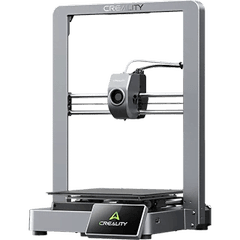
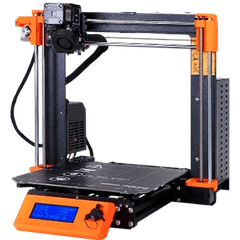
Why one panel for many OctoPrints
One OctoPrint per printer means one browser tab per printer. Farmit shows every printer side by side, keeps a queue across all of them and starts the next plate on whichever printer is free and prepared for it.
What works
- Status, progress, temperatures and the file being printed.
- Upload and start in one step; busy printers are refused.
- Pause, resume and stop with an audit trail.
- Plugins, the webcam and terminal stay in OctoPrint.
Connect a printer
- 1In OctoPrint: Settings → Application Keys, create a key for Farmit.
- 2On the gateway computer, add the printer by its address.
- 3Back in Farmit, add it to the farm and pick its model.
$ farmit-gateway printer add --type octoprint --url http://192.168.1.80 --name Ender-1Questions
Does Farmit replace OctoPrint?
No. OctoPrint keeps driving the printer; Farmit adds the farm on top: queue, AutoPrint, stock and orders.
Is the API key safe?
It is typed on the gateway in your network and stored only there. Farmit.io never receives it.