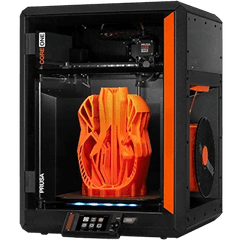
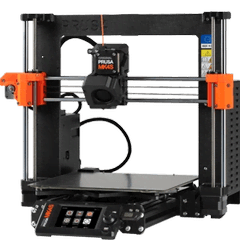
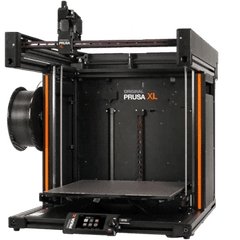
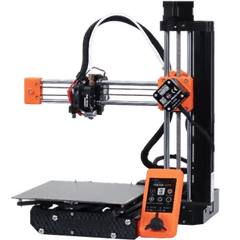
Supported Prusa printers
- CORE One, MK4S, MK4, MK3.5, XL and MINI+ through PrusaLink.
- MK3S+ through OctoPrint, which most MK3S+ farms already run on a Raspberry Pi.
How Farmit connects
PrusaLink is the printer's own web interface. The Farmit gateway in your network logs in with the PrusaLink user and password (or an API key), reads the printer state every few seconds and uploads files with PrusaLink's upload-and-print call. The password stays on the gateway.
Farmit shows status, progress, temperatures and the file being printed, and can pause, resume and stop. Lights, movement and the camera stay in PrusaLink and Prusa Connect.
One queue for Prusa and everything else
Keep a G-code per printer model for every product. A plate meant for a CORE One never goes to a MINI+, and Prusa printers can sit in the same farm as Bambu Lab, Klipper or OctoPrint machines. AutoPrint fills idle printers under the rules you set.
Questions
Where do I find the PrusaLink login?
On the printer: Settings → Network → PrusaLink. Switch it on and note the user (usually maker) and the password.
Do I need Prusa Connect?
No. Farmit uses PrusaLink in your local network. You can keep Prusa Connect running next to it.