37 models · 7 brands · 4 ways to connect
Every printer on your farm. One panel.
Mix Bambu Lab, Prusa, Voron and Creality on the same queue. One small gateway in your network talks to all of them, so Farmit can send files, start prints and watch them for you.
Four ways in, one queue
Farmit uses the interface your printer already has. Nothing to flash, no cloud account at the printer maker.
Bambu Lab LAN
A1, A1 mini, P1P, P1S, P2S, X1 family, H2 family
Live camera in Farmit
PrusaLink
CORE One, MK4S, MK4, MK3.5, XL, MINI+
Camera stays in the printer's own interface
Klipper · Moonraker
Voron, Sovol, QIDI, Elegoo Neptune 4, Creality K1/K2 (rooted)
Camera stays in the printer's own interface
OctoPrint
Any printer with an OctoPrint server (Ender, MK3S+…)
Camera stays in the printer's own interface
| Feature | Bambu Lab | Prusa · Klipper · OctoPrint |
|---|---|---|
| Live status, progress, layers and temperatures | ||
| Send a file and start the print from Farmit | ||
| Pause, resume and stop | ||
| AutoPrint queue (next job after you clear the plate) | ||
| Live camera in Farmit (up to 1 minute per view) | In the printer's own UI | |
| AMS slots and filament mapping | ||
| Lights, fans, movement and G-code console | In the printer's own UI |
The full list
Models we know by name, with their build volume and how they connect. Farmit recognises them from the file your slicer exports.
Bambu Lab
Print farm software for Bambu Lab14 models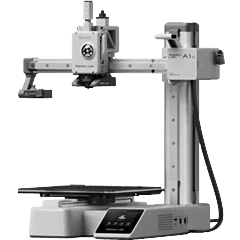
A1 mini
Compact bed-slinger · 180 × 180 × 180 mm
Bambu LAN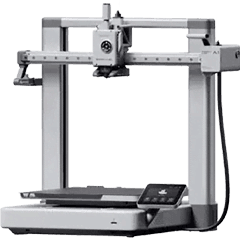
A1
Bed-slinger · 256 × 256 × 256 mm
Bambu LAN- No photo yet
A2L
Large bed-slinger
Bambu LAN 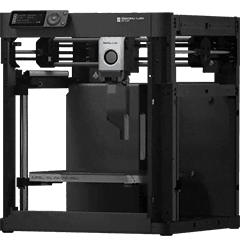 Discontinued
P1P
Open CoreXY · 256 × 256 × 256 mm
Bambu LAN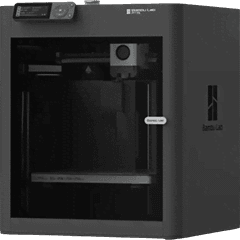
P1S
Enclosed CoreXY · 256 × 256 × 256 mm
Bambu LAN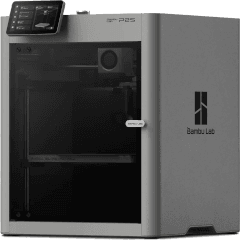
P2S
Enclosed CoreXY · 256 × 256 × 256 mm
Bambu LAN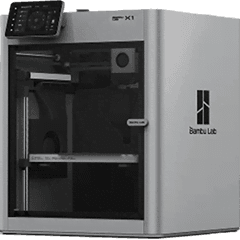 Discontinued
X1
Enclosed CoreXY · 256 × 256 × 256 mm
Bambu LAN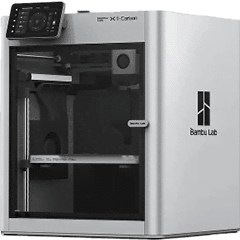 Discontinued
X1 Carbon
Enclosed CoreXY · 256 × 256 × 256 mm
Bambu LAN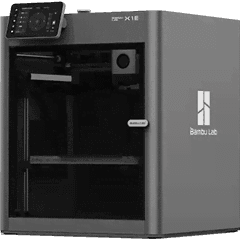 Discontinued
X1E
Enclosed CoreXY · 256 × 256 × 256 mm
Bambu LAN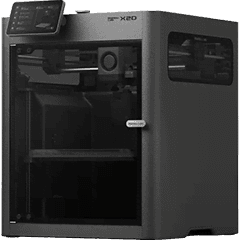
X2D
Enclosed, two nozzles · 2 nozzles
Bambu LAN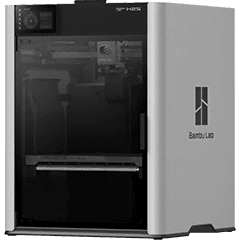
H2S
Enclosed, large format · 340 × 320 × 340 mm
Bambu LAN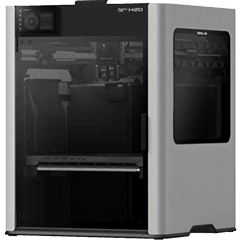
H2D
Enclosed, large format · 350 × 320 × 325 mm · 2 nozzles
Bambu LAN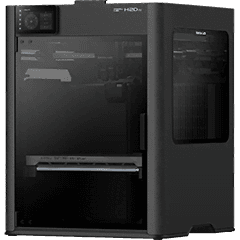
H2D Pro
Enclosed, large format · 350 × 320 × 325 mm · 2 nozzles
Bambu LAN- No photo yet
H2C
Enclosed, large format · 2 nozzles
Bambu LAN
Prusa Research
Print farm software for Prusa7 models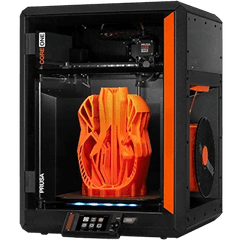
CORE One
Enclosed CoreXY · 250 × 220 × 270 mm
PrusaLinkOctoPrint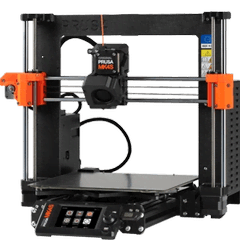
MK4S
Bed-slinger · 250 × 210 × 220 mm
PrusaLinkOctoPrint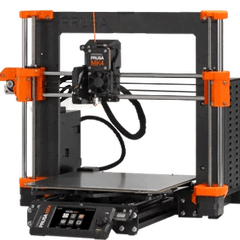
MK4
Bed-slinger · 250 × 210 × 220 mm
PrusaLinkOctoPrint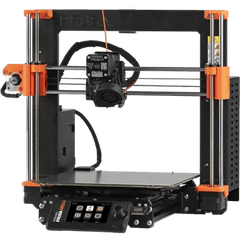
MK3.5
Bed-slinger · 250 × 210 × 220 mm
PrusaLinkOctoPrint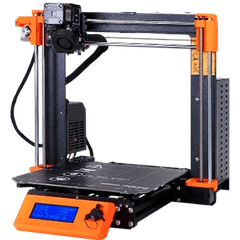
MK3S+
Bed-slinger · 250 × 210 × 210 mm
OctoPrint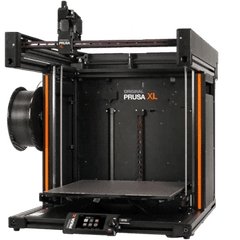
XL
Open CoreXY · 360 × 360 × 360 mm
PrusaLinkOctoPrint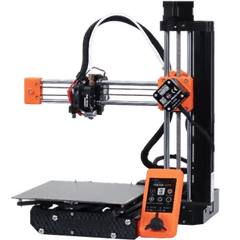
MINI+
Compact bed-slinger · 180 × 180 × 180 mm
PrusaLinkOctoPrint
Creality
Print farm software for Klipper5 models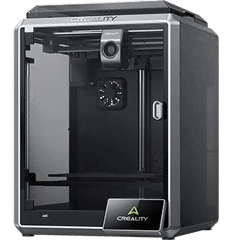
K1
Enclosed CoreXY · 220 × 220 × 250 mm
MoonrakerOctoPrint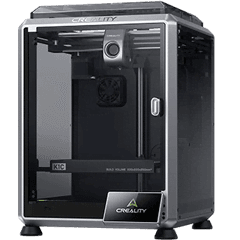
K1C
Enclosed CoreXY · 220 × 220 × 250 mm
MoonrakerOctoPrint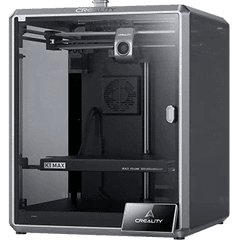
K1 Max
Enclosed CoreXY · 300 × 300 × 300 mm
MoonrakerOctoPrint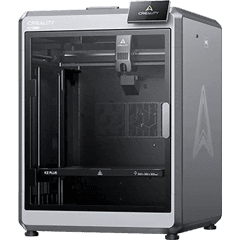
K2 Plus
Enclosed, large format · 350 × 350 × 350 mm
MoonrakerOctoPrint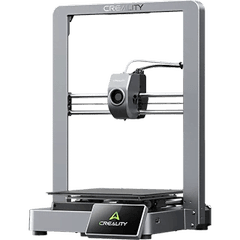
Ender-3 V3
Open CoreXY · 220 × 220 × 250 mm
MoonrakerOctoPrint
Voron Design
Print farm software for Klipper3 models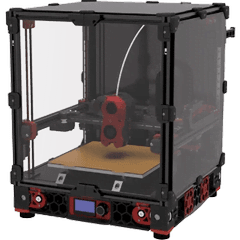
Voron 2.4
Enclosed CoreXY · 350 × 350 × 340 mm
Moonraker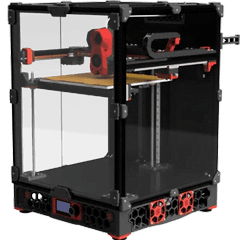
Voron Trident
Enclosed CoreXY · 300 × 300 × 250 mm
Moonraker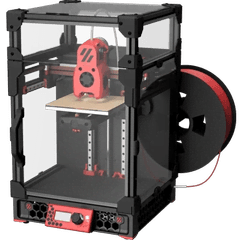
Voron 0.1
Enclosed CoreXY · 120 × 120 × 120 mm
Moonraker
Sovol
Print farm software for Klipper2 models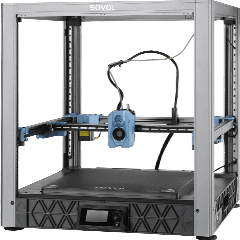
SV08
Open CoreXY · 350 × 350 × 345 mm
Moonraker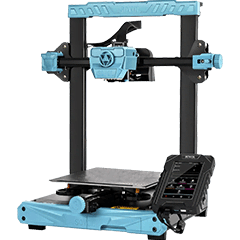
SV07
Bed-slinger · 220 × 220 × 250 mm
Moonraker
QIDI Tech
Print farm software for Klipper3 models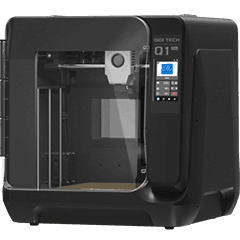
Q1 Pro
Enclosed CoreXY · 245 × 245 × 240 mm
Moonraker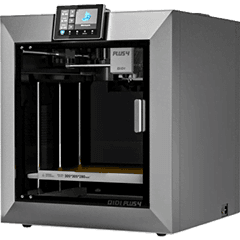
X-Plus 4
Enclosed CoreXY · 305 × 305 × 280 mm
Moonraker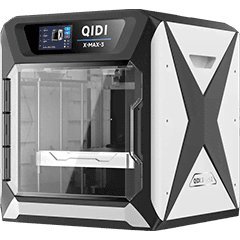
X-Max 3
Enclosed CoreXY · 325 × 325 × 315 mm
Moonraker
Elegoo
Print farm software for Klipper3 models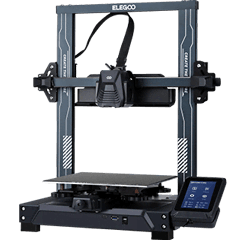
Neptune 4 Pro
Bed-slinger · 225 × 225 × 265 mm
Moonraker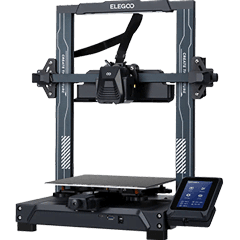
Neptune 4
Bed-slinger · 225 × 225 × 265 mm
Moonraker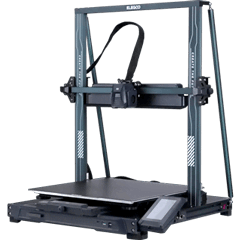
Neptune 4 Max
Large bed-slinger · 420 × 420 × 480 mm
Moonraker
Not on the list?
Any printer running Klipper with Moonraker, or connected to OctoPrint, works the same way: add it by its address. Printers without a network connection can still be tracked by hand on the queue.
Klipper, OctoPrint and PrusaLink printers: Farmit sends files and pause, resume and stop. Lights, fans, movement and camera stay in the printer's own interface. Creality K1 and K2 expose Moonraker only after enabling root access with the Creality Helper Script.